What If Your Best Sales Rep Never Had to Clock Out?
Your sales team is good. Really good. But there's one thing they can't do: be everywhere at once.
They can only run so many discovery calls. Deliver so many demos. Send so many follow-ups. And every time a potential client is browsing your website at 11pm or reviewing proposals over the weekend, your best rep is unavailable. That gap is costing you deals.
Here's the good news: customer success videos can fill that gap. A well-crafted, two-to-three-minute customer story keeps working for you around the clock, woven into your sales process in the exact moments that matter most. In this post, you'll learn what makes these videos convert, how to capture them without a film crew, and exactly where to put them for maximum impact.
Why Customer Success Videos Outperform Feature Decks
Let's address the feature deck in the room. You've probably built one. It's polished, it covers all your capabilities, and it took way too long to create. The problem? Buyers don't trust it the way they once did.
Skepticism toward vendor marketing is at an all-time high. Research published by Harvard Business Review shows that buyers are far more likely to trust peers and real-world examples than messaging that comes directly from the vendor. Your prospects want proof, not promises.
A two-to-three-minute customer success video does something a feature deck simply cannot. It shows a real person, with a real problem, who found a real solution. It makes the outcome feel achievable rather than theoretical. It handles common objections before your rep even has to raise them. And it lowers the perceived risk of moving forward, especially for buyers who are part of a larger decision-making committee and need to build internal buy-in.
Practical Takeaway: Feature decks describe what you do. Customer success videos prove that it works.
The 4-Part Framework That Makes a Customer Story Sell
Not every customer video converts. The ones that do follow a clear, repeatable structure. Before you hit record, make sure your story hits all four of these elements.
1. Who Is This Customer?
Buyers need to recognize themselves in the story immediately. Capture the customer's role, the type of business they run, and the specific situation their organization was navigating before they found you. The faster a prospect thinks "that's me," the more engaged they become.
2. What Problem Were They Stuck In?
This is where most videos go shallow. Push past the surface-level answer. Get into the emotional layer. Were they frustrated? Overwhelmed? Constantly putting out fires? The more vividly they describe the "before," the more powerful the "after" becomes. Ask open-ended questions like, "What was happening before you found us?" or "What made the situation feel so stuck?" and let them talk.
3. What Changed When They Found You?
This section bridges the story. Why did they choose your company, and what shifted after implementation? The prospect watching this video should find themselves craving the same relief. Be specific about what the experience of working with you actually felt like, not just what services were delivered.

4. What Were the Concrete Outcomes?
This is the proof that converts. Vague answers like "they were great to work with" won't move the needle. Push for specific, quantifiable results wherever possible:
- Time saved per week or month
- Revenue gained or protected
- Risk reduced or eliminated
- Stress, friction, or workload removed
The more concrete the outcome, the more credible the story. "We cut our follow-up time in half" lands far harder than "our processes improved."

How to Capture a Customer Success Story (Without a Film Crew)
Here's where a lot of service businesses stall. They assume creating a quality video requires a production team, a studio, and a big budget. It doesn't.

You have more recording options than you think, and the right choice depends on your timeline, your resources, and how comfortable your customer is on camera.
Live and Remote Recording
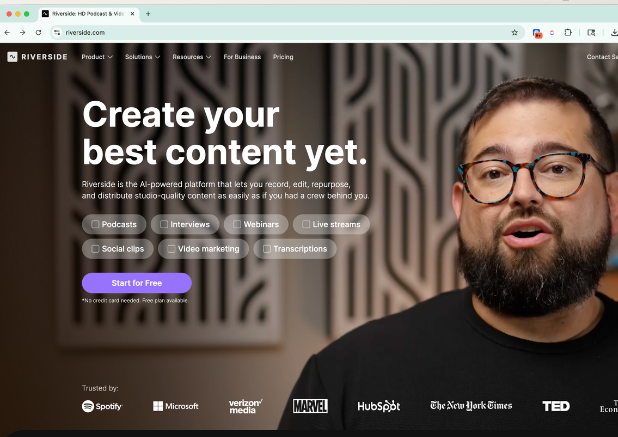
A Zoom call is the simplest starting point. Hit record at the start of your conversation and you've got raw footage. If you want higher-quality multi-angle recording, Riverside is built specifically for video interviews and produces polished results without requiring anyone to be in the same room.
Asynchronous Recording
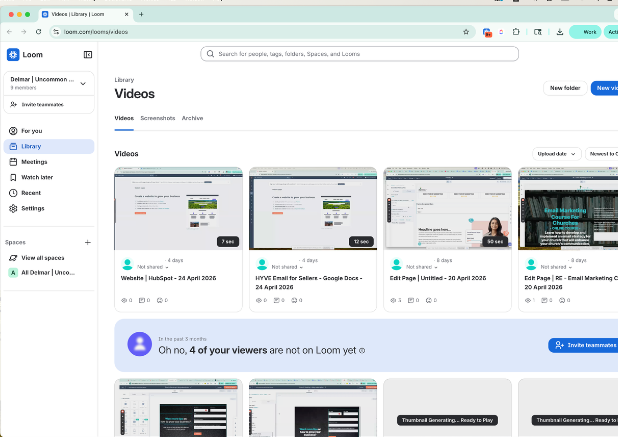
This approach is especially practical for busy clients. Send three to four open-ended questions and ask the customer to record their responses on their own phone at their own pace. Loom works well for this, and most smartphones produce video quality that's more than good enough for a sales asset.
In-Person Recording
If you're already on-site for a project, an event, or another video shoot, this is often simpler than people expect. A modern smartphone, decent lighting, and a quiet space can produce compelling footage with minimal gear.
Getting Your Customer Comfortable Before the Camera Rolls
The quality of the story you capture depends heavily on how relaxed your customer feels. A nervous subject gives you guarded, scripted answers. A comfortable one gives you gold.
A few things that help:
Send a simple outline rather than a script. When customers read from your words, you lose the authenticity that makes the story believable to other prospects. Give them a general sense of the topics you'll cover, but let them tell it in their own language.
Let them know you'll edit. Before recording starts, reassure them that anything they're not comfortable with will be cut. This removes a huge amount of self-consciousness and makes people much more willing to speak naturally and honestly.
During the recording, stick to open-ended questions. "What was happening before?" and "What results did you see?" invite story. "Were things difficult before?" invites a yes or no.
Practical Takeaway: Your job during the interview is to ask good questions and get out of the way. Their words are more powerful than anything you could write.

Where to Embed Customer Success Videos in Your Sales Process
Recording a great video is only half the equation. Placement is what makes it a 24/7 sales asset instead of just a nice piece of content on your website.
According to HubSpot's 2024 State of Sales report, sales teams that leverage sales enablement content are significantly more likely to outperform targets and see higher win rates. The key is meeting prospects with proof at the exact moments they're weighing risk.
Here are four places to put your customer success videos to work right now:
In your follow-up email sequences. After a discovery call, send a relevant customer story that mirrors the prospect's industry or challenge. It reinforces the conversation and keeps momentum going without requiring more of your rep's time.
In post-demo emails. Right after a demo is one of the highest-intent moments in your sales process. A video showing a real customer get the exact outcome your prospect just watched you pitch is incredibly effective here.
In proposal emails. When a prospect is sitting with your proposal and comparing it against your competitor's, a customer story that addresses their specific hesitation can tip the decision. Pair the video with a brief note about why you chose that particular story.
When deals stall. Instead of sending a "just checking in" email that gets ignored, send proof. A video from a customer who had similar concerns about moving forward is a far more compelling reason to re-engage.
Practical Takeaway: Think of every stage in your CRM as a potential placement for customer proof. The goal is to never let a prospect go long without hearing from someone other than you.

Tools to Record and Edit Your Customer Success Videos
You don't need to choose the most sophisticated option on this list. Start with what's easiest and upgrade as your process matures.
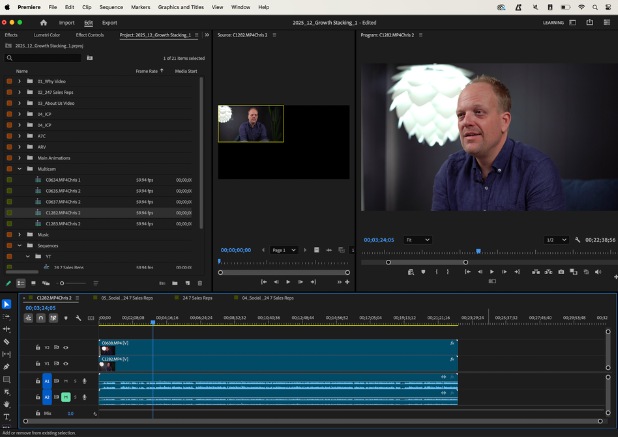
Record a longer conversation, usually ten to fifteen minutes, and then edit it down to a tight, two-to-three-minute story. The longer raw recording gives you options. The shorter finished product respects your prospect's time.

Your Next Step: Start With One Story
You don't need a library of videos to get started. You need one good one.
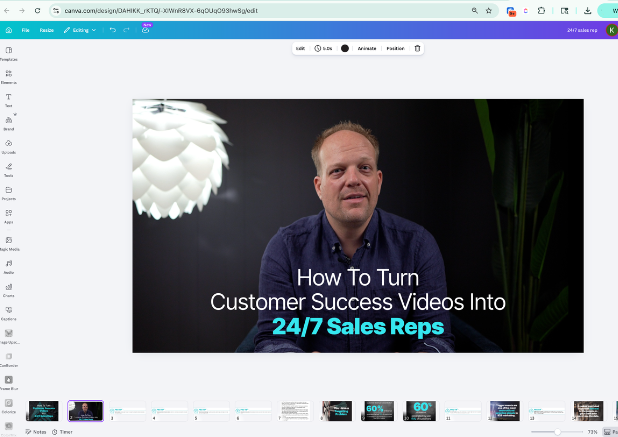
Think about a customer who had a clear "before and after" with your business. Reach out, set up a thirty-minute conversation, and record it. Then cut it down to two to three minutes using Canva, CapCut, or whatever editing tool feels manageable.
Once you have that first video, put it somewhere in your sales process this week. One spot. See what happens.
Then make it a rhythm. One customer success video per quarter is a realistic and powerful goal. After a year, you'll have a library of proof that addresses different objections, speaks to different industries, and keeps selling every time someone opens an email.
Your best rep should never have to clock out. Build the system that lets them work while you sleep.
Want Some Ideas?
Here's some sample testimonials we created.




 Christopher Dellen


 Christopher Dellen : (March 12, 2026)